Got Glass

GlassAfter a bus trip, two flights, and a taxi ride I finally arrived at the Google Glass suite in the Chelsea Market complex, New York. Google has renovated the eighth floor of this building to host the one-on-one Glass set-up sessions. The style of the suite is simple, uncluttered, and clean to mirror the Glass interface experience. The main Google office in New York is situated across the street from Chelsea Market.

I arrived at 3:30pm straight from the airport for a 6:00pm appointment. As I waited for my guest to join me, I met a wide range of fellow Glass Explorers as they arrived for, or left from, their Glass appointment. While I cannot say anything from such a small sample size, there was an interesting mix of individuals obtaining Glass – professionals, students, and a couple of family groups all passed through the doors.

I used the time I had to ask the two Google employees manning the front desk multiple questions about how I might set-up and use the Glass device to augment my teaching. I have summarized a few of the key points from our conversation below:

  • Create a Google+ Circle Specifically for the Students in the Seminar: For this to work effectively, every student taking the seminar would also need to create the same circle of people in their Google+ account. Pros – any video, image, or post that is shared with this circle will be visible to everyone in the seminar. Cons – the material posted would not be available to non-circle members who might want to follow the Glass-augmented seminar. We discussed the idea of developing a Google+ community around the seminar, but one challenge with this approach is the potential volume of material that might be posted. Other options discussed were to develop a blog or Facebook page dedicated to the seminar. Both have merits and shortfalls, the main one being that they do not take advantage of the seamless integration of Glass with Google+.
  • Downloading Videos/Images from Glass: While picture/video files automatically upload to your Google+ account, they can also be downloaded to your computer from Google+ or directly from the Glass device via the micro USB cable. Downloading these files to your computer might be useful if you would like to edit a video or image before posting it to a forum. The Glass device has about 12.6 GB of internal storage, which should be enough to store a manageable number of pictures and/or videos.
  • The Battery Life of Glass: Many commentators have written about the poor battery life of Glass. Because of this concern I asked about whether a mobile power source/battery would be worth purchasing. The consistent response I received was that it is best to charge Glass using wall outlets. For extended video recording, the recommendation was to charge the device while recording the video. If you are able to do this, the weight of the micro USB cable may pull the Glass device down to one side, but you will be able to use the device indefinitely. I still think it may be worth purchasing a mobile power source/battery, but will wait to see if this is necessary based on how and where I use the device.
  • Personal Security: I asked several Google employees when and where they use Glass around NYC. The common response was that you should treat Glass as you would any other expensive mobile device – i.e., put it away if you are entering a situation in which it may draw unwanted attention.
DSCN1089
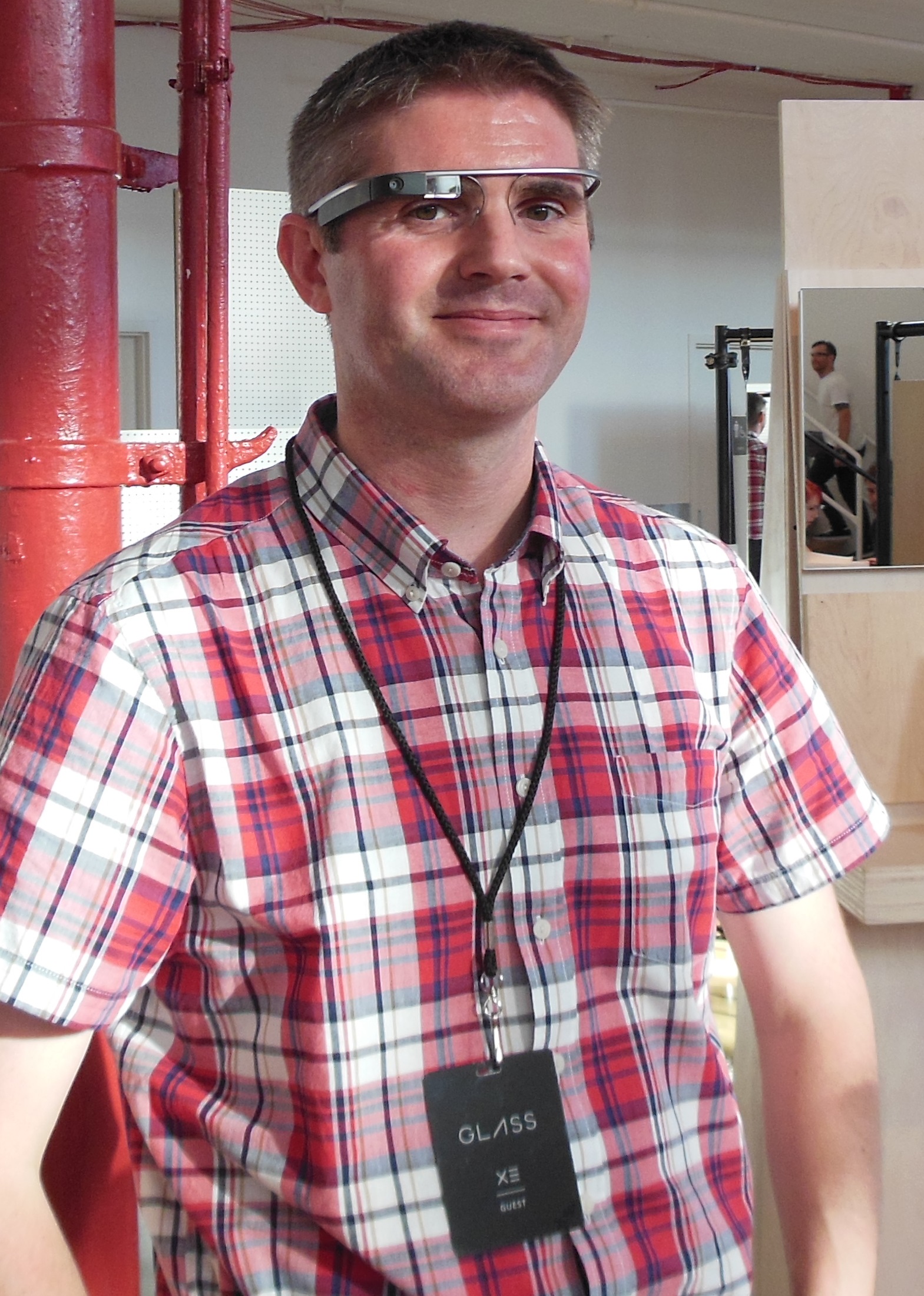
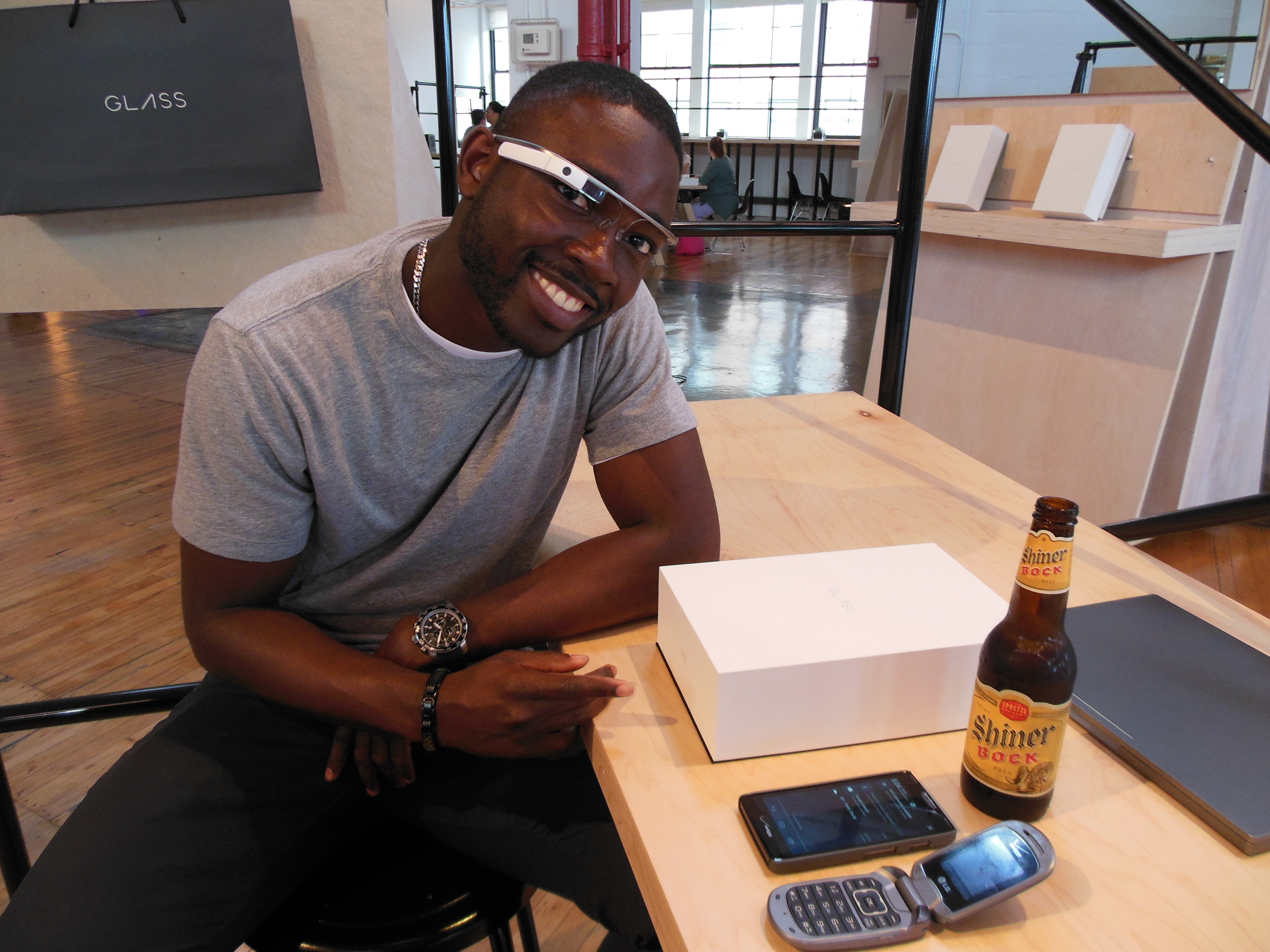
Soji Ojugbele, Google

As soon as my guest arrived, we obtained our Glass passes and were met by Soji Ojugbele, who would spend the next two hours working with me to set-up my Glass device. These appointments normally take up to an hour, but my persistent questions extended our session until the Glass suite closed. This did not faze Soji, who patiently and comprehensively answered every question. Before attending this appointment, I was a little skeptical of the value of traveling across the country to set-up a wireless device. However, the attention to detail, patience, and professionalism of the Glass team (especially Soji) made the effort worthwhile. Upon leaving the Glass suite, I felt confident that I could use the device and that it was fully in sync with my smartphone and Google+ account. As an aside, I highly recommend taking a guest (who owns a smartphone) to your appointment so you can begin to test the various Glass functions such as making a call, sending a text, etc. while setting up the device. This also gives your guest an active role in the session.

I selected the shale (grey) Glass device, but I could have changed my mind if another color caught my attention. Close contenders were the blue or black options.

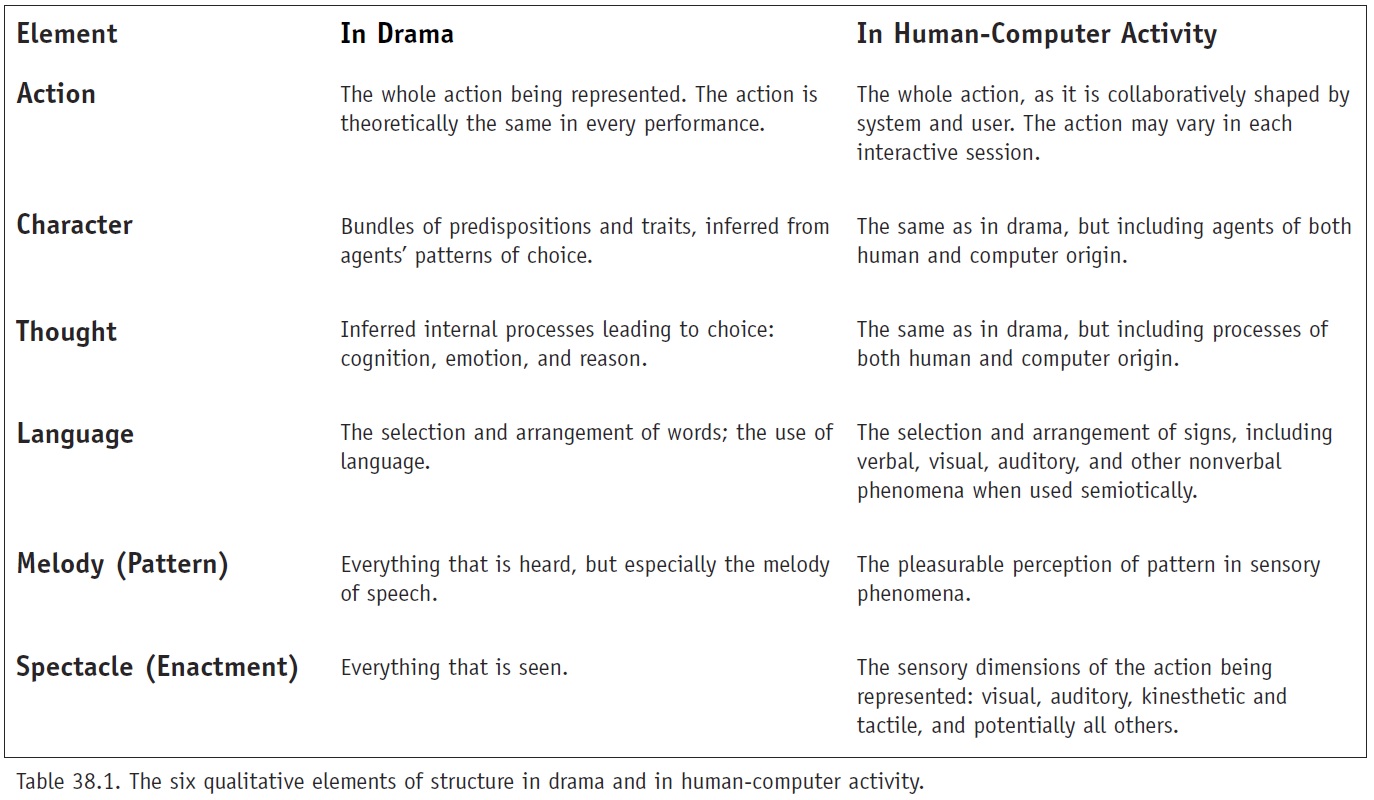
DSCN1097In my previous post, I was concerned about having to wear contact lenses. When I first put on Glass over my prescription glasses (see adjacent picture), I had trouble viewing all the edges of the welcome screen. Therefore, I decided to wear my contact lenses for the remainder of the session. The viewing experience with contacts was much better. I later tried wearing the Glass device over my prescription glasses (in the apartment where I was staying) and was able to view the edges of the Glass welcome screen. However, the image is not as crisp due to some refraction occurring at the edges of the screen.

While testing one of the Glass functions during my appointment, I met a Google employee who was wearing a Glass device mounted on a specially-designed frame with prescription lenses. This prototype frame is not yet available and I wasn’t able to convince this person to provide me with a pair of these frames. Apparently, when the Glass prescription frames do become available, it will be possible to detach the Glass device from the existing frame and attach it to the prescription frame without too much trouble. This is good news for people like me who struggle with contact lenses and do not want to wear two frames at once. For now, I’ll either have to wear contact lenses that will reduce the overall quality of my vision or look a little strange wearing two frames at once with some compromise in the crispness of the Glass screen.

This slideshow requires JavaScript.

After following Soji’s instructions on how to sync the Glass device with my phone, the wireless network, and my Google+ account, I was able to begin using its various functions. The device is impressive. The user interface is simple and intuitive and the device does not feel too heavy or uncomfortable to wear. It takes a little while to get used to looking at the Glass screen and how to navigate the operating system by swiping your figure along the side of the frame, but these are skills that I’m sure will become second nature over time. In the video below – my first Glass video – Soji is explaining how I can extend a video being recorded using Glass.
Anticipating Glass

It has been only a week since I received notification that my Google Glass device was ready to be picked up, but it feels much longer. Over the next several months, I intend to use Glass to transform the way I approach my teaching at Virginia Tech (VT). I also plan to study the process of teaching with Glass in an effort to document what worked and what didn’t. In this post, I thought I’d try to capture my past week and provide some insight into the rapid learning curve I’m climbing.

Purchasing Glass

After being accepted into the Glass Explorer program in March, I realized that I lacked the personal funds to indulge in such a device ($1,500 + tax) and began searching for research funds. I was fortunate to receive encouragement from the VT Center for Innovation in Learning (CIL) to develop a proposal that captured my desire to augment or perhaps fundamentally transform – I think the difference is a matter of perspective – the way I teach. My proposal was accepted by CIL and I was awarded a research grant to purchase Glass, travel to collect the device, and purchase a smart phone and data plan to which the device will be tethered. With only a two-week window to purchase Glass (after receiving the Google notification), I needed to move quickly. One immediate challenge was how to make the purchase without a research project/fund officially in place. A related logistical problem was the rate at which the available appointments to collect the Glass device in Los Angeles, San Francisco, and New York were being taken. It was not possible to make an appointment without making a purchase.

Creating a research fund is no quick task – especially at the end of the academic fiscal year. Fortunately, we have a great team of professional staff within the School of Public and International Affairs (SPIA) who were able to help me quickly navigate and obtain the necessary approvals to start spending funds while the research account is established over the next couple of weeks.

The purchase of my flight to New York presented another hurdle. Faculty at VT are required to obtain approval before making any travel arrangements, which meant another form that needed to be completed and processed.

I mention the above to provide some insight into what was an intense couple of days that consisted of numerous emails and phone calls. These activities were also complicated by the need to set up a smart phone in time for my appointment on Friday, June 28.

Obtaining the Smart Phone

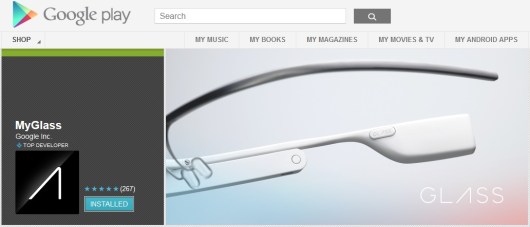
What I first considered to be a simple task turned out to be quite complex from an administrative and technological perspective. To obtain a cell phone at VT, an Interdepartmental Communication Request (ICR) needs to be made by an authorized individual. Since the location of my research budget was somewhat in flux at this time, this task led to an extensive series of communications that were complicated by my ongoing research (informed by several Google+ communities related to Glass) into what smart phone and data plan I should obtain. In the end, I settled on a Droid Razr Maxx HD smart phone with a calling plan + unlimited data from Verizon. One reason for selecting a Droid smart phone was its compatibility with Google software and the “MyGlass” App that enables Glass Explorers to fully utilize the functionality of the device.

MyGlass

Connecting with Google+ Communities

As mentioned above, there are numerous communities on Google+ that are dedicated to the Glass device. So far these forums have contained information that has answered all of my Glass-related questions. I have also found numerous individuals who have similar ambitions to use Glass in an educational setting (most of whom are members of the “Google Glass in Education” community) and I’m now following their activities.

Obtaining IRB Approval

Another task accomplished this past week was to obtain approval from VT’s Institutional Review Board (IRB) to begin the research project using Glass. While I could have waited to obtain this approval until after I collected the device, I wanted to be able to begin my research project as soon as I receive my Glass. In fact, I’m hoping to record a conversation with the Google employee I meet with to ask him/her a few questions related to which technology platform I should use to support my seminar this fall. To obtain IRB approval I completed a 14-page research protocol that outlines in detail how I plan to use the Glass device and whether this poses any risk to those involved with the project. Given the emergent nature of this research, this was a challenging document to prepare and I suspect I will need to revise my research protocol as I begin to understand how the technology can really be used in practice.

Obtaining Contact Lenses

Since the current version of Glass does not support prescription lenses, and I wear glasses, I decided to see if I could wear contact lenses. I have been wearing a pair of contacts for the past few days and so far I’ve noticed a decline in my vision due to astigmatism in both eyes. Thus, I’m not sure if I will be able to make this transition (which is not covered by my research funds) and may have to wear Glass on top of my prescription glasses. I will provide an update on this situation next week.

Looking Ahead

With most of the tasks related to establishing this project either completed or in process, my attention can now focus on the research itself. I have refrained from explaining my proposed research project in this post since I plan to let the research speak for itself when it begins. I hope this teaser brings you back to my website over the coming months to learn more about what we hope to do at VT with Google Glass.

Congratulations Yakhya Diagne!

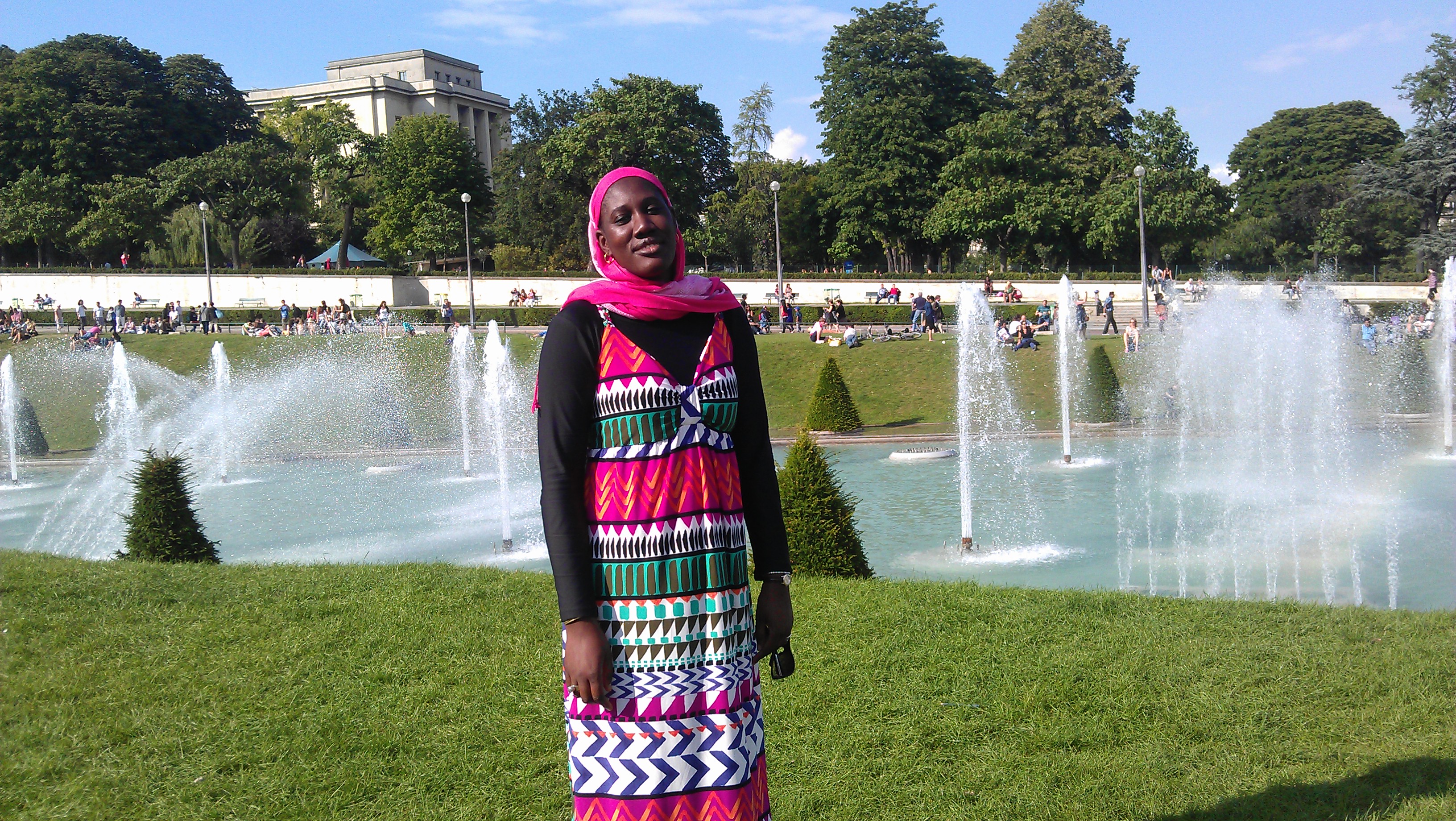
In May 2013, Yakhya (Aicha) Diagne successfully defended her thesis entitled “Planning for Sustainable Development in Senegal.” Aicha’s research focused on understanding the complex institutional, legal, and political aspects of sustainable development planning in Senegal and identified options to advance the national planning framework to promote more sustainable forms of development. Aicha received a 2012 ThinkSwiss research scholarship that enabled her to undertake part of her research at the UN in Geneva, Switzerland.Aisha_Paris

Prior to coming to Virginia Tech, Aicha led the Office of Legal Affairs, Communication, Monitoring, and Evaluation in the Senegalese Department of Environment and Classified Establishments. She also managed the Technical Permanent Secretary of the Senegalese National Commission of Sustainable Development from 2008 to 2010.

Aicha is currently undertaking an internship at the West African Development Bank in Lome, Togo. After completing the internship, she will begin a position in the Ministry of Environment and Sustainable Development in Senegal.

I served as the chair of Aicha thesis committee, along with committee members John Browder and John Randolph.

Google Glass Invite

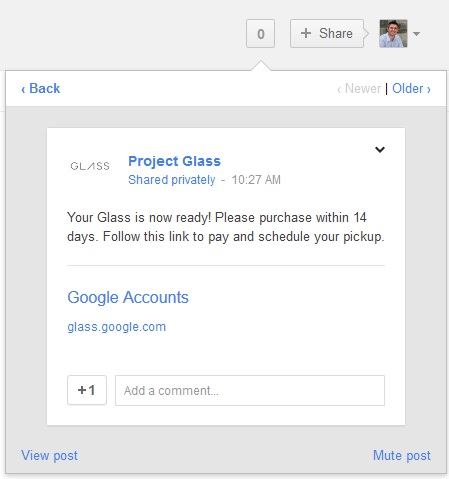
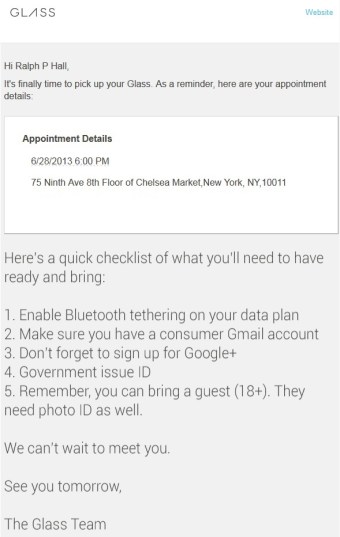
For those of you waiting to receive notification about when you can purchase your Google Glasses, it should look something like this if you applied for the Glass Explorer program through Google+. Once I have the device up and running in the next month or so, I will start sharing my experience with using the technology to transform the way I teach my seminar on sustainable development. Watch this space!

Invitation

The Fieldwork Begins!

After two weeks of intensive training and a successful pilot study, the fieldwork for the follow-up study of the MCA’s rural water program in Nampula, Mozambique, began on Monday (June 10). As the fieldwork progresses over the next seven weeks, the surveying teams will undertake household surveys, water committee interviews, water point observations, technical assessments, and water source/storage testing, among other activities.

SAM_3627As usual, the pilot study proved to be an invaluable way to learn where the surveyors and team leaders required additional training and where our support team (consisting of researchers and staff from Virginia Tech, Stanford, and WE Consult) needed to provide additional support or rethink existing standard operating procedures (SOPs). The logistics associated with this project are complex and not only involve the careful programing of when and where the field teams will be over time, but also managing tasks such as how the 1,800 water samples will be transported for processing and where this processing will occur – i.e., in the field or back in our base camp. We also plan to collect water source samples in four communities at four different times during the day on three different occasions to check for variability in the quality of water over time. This type of water source testing will add a new dimension to our study and help identify whether the quality of water in these communities changes over a period of around six weeks. Another new dimension in the follow-up study is that the surveyors will use GPS devices to find the households we interviewed back in 2011. I will report back later on how successful they were at finding these households.

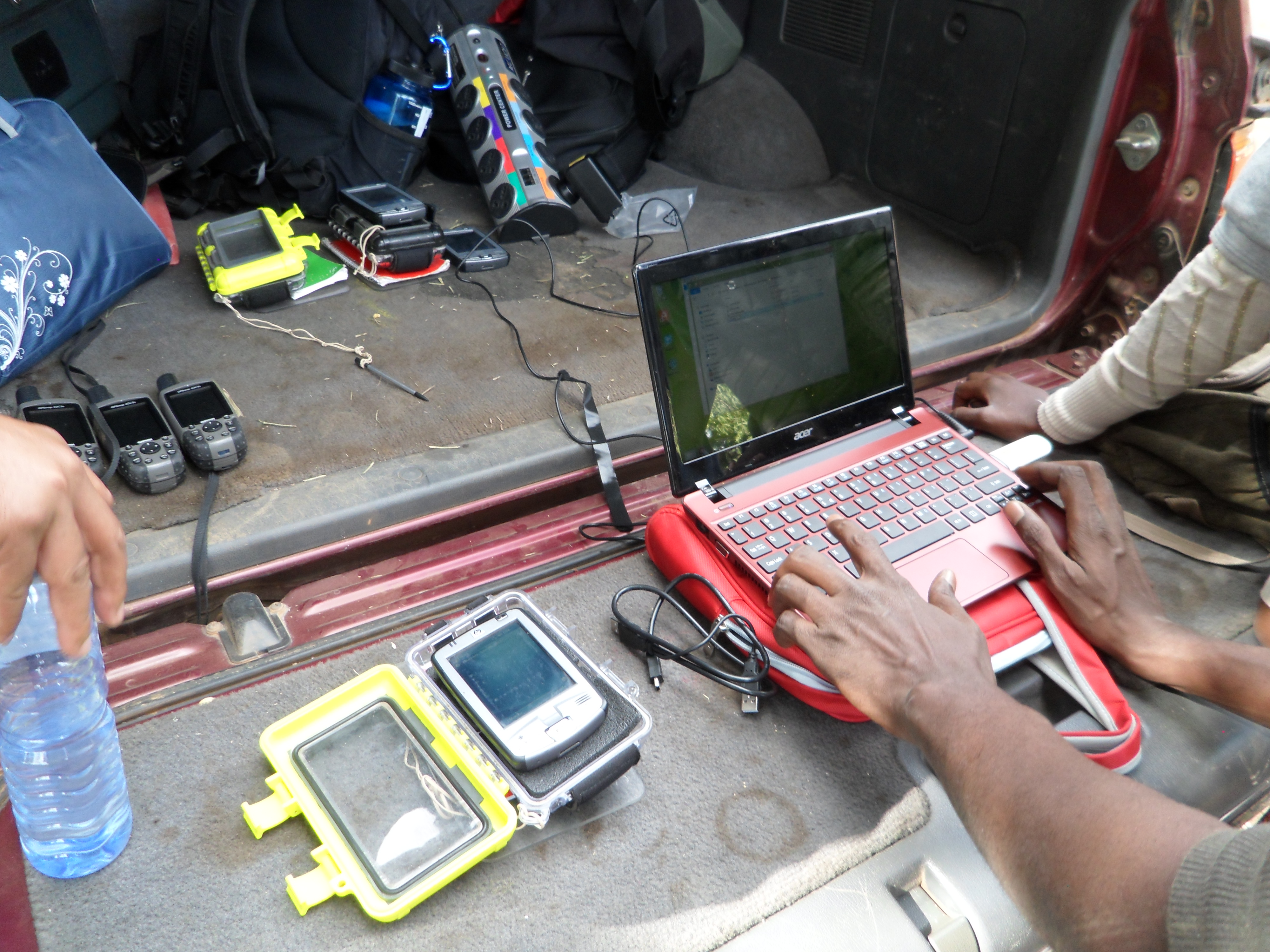
Data upload in the field - powered via the car battery
Data upload in the field – powered via the car battery

From a data quality perspective, we continue to advance and refine our data review and cleaning processes with our on-the-ground statistician (Marcos Carzolio). This year we are leveraging secure data transfer technology to enable the research team to view the data from any location in the world as soon as it is available. This platform also enables the lead researchers to communicate with the fieldwork team leaders as they upload the data in remote rural areas.

While the household survey is administered using PDAs, making the data easily accessible, the remaining surveying instruments are paper-based and require a different data entry and review process. This task will be managed by our in-country partner (WE Consult) given the need to have native Portuguese speakers managing the process.

In the next week, a fourth surveying team will leave Nampula and travel to Cabo Delgado to begin a study of eight small piped solar systems that have been constructed by the MCA. This more qualitative study will attempt to identify those factors supporting or limiting the successful delivery of water services via these systems. The Cabo Delgado team will be led by Emily Van Houweling (Virginia Tech) who spent a year in Mozambique as a Fullbright scholar last year while completing her doctoral research.

The above description should provide some insight into the many moving parts of this large-scale study, which is providing our team with plenty of challenges, but is also proving to be a highly rewarding experience for all involved. While our primary objective is to undertake an impact evaluation for the MCC, we hope our data will be of real value to the provincial and national governments of Mozambique and to the international community when making decisions about how to invest in sustainable rural water and sanitation services in the country.

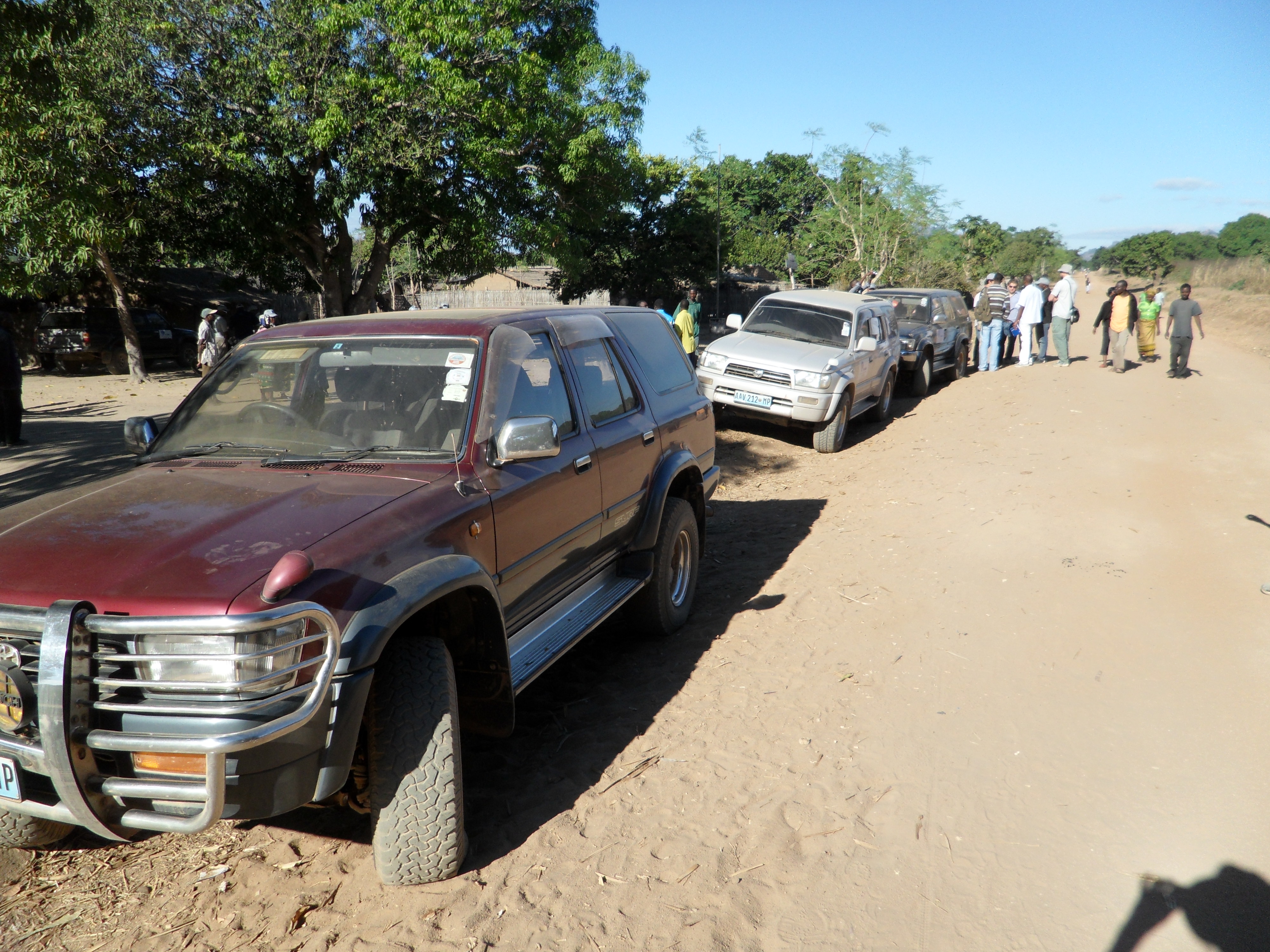
The images below were taken during our final week of training and the pilot study.

This slideshow requires JavaScript.

Update from the Field

I started writing this post a week ago while flying from Maputo to Nampula in Mozambique, but the usual challenges of setting up a large-scale research project delayed my intentions. One challenge is finding/installing a good Internet connection, which we overcame by purchasing a number of Movitel USB modems that are working surprisingly well.

I’m in Nampula with a team of researchers from Virginia Tech (Eric Vance, Emily Van Houweling, and Marcos Carzolio), Stanford University (Jenna Davis and Kory Russel), and WE Consult (our in-country partner) to undertake a follow-up study for an evaluation of the Millennium Challenge Corporation’s rural water program in the province. We undertook the baseline study in 2011 and plan to complete the follow-up study over the next two months.

Over the past week, we have begun our enumerator training that has focused primarily on reviewing each module of the household survey (which consists of more than 600 questions that will be navigated using logic) and practicing skills such as how to measure a child and use GPS devices (that are needed to find the same households we surveyed in 2011). Next week we will continue to refine the various surveying instruments with the enumerators (who are mostly local to Nampula) and begin practicing how to take water samples, among other activities. We will soon select our team leaders from the twenty enumerators we are training, who will each receive specific training on the various research protocols we will be using.

We have established a base camp in a house in the city of Nampula, which is proving to be a pleasant place to work/live, even if there is no water most days. There are several major construction projects happening in the city that have severely constrained the water supply that only comes once a day for several hours if we are lucky.

I have included some pictures below of the activities so far. I will post some more following the pilot study that is planned for later next week.

This slideshow requires JavaScript.

The Drama of Human-Technology Interaction

Imagine you are sitting at your computer (which you are) and are about to complete a task such as such writing an email to a friend or analyzing some data using a spreadsheet. Such tasks would seem rather routine, but through the eyes of Brenda Laurel, they might be conceived as subplots in the drama of life. In “The Six Elements and the Causal Relations Among Them” and “Dramatic Interaction in a Small World,” Laurel considers how human-technology interactions could be conceived in theatrical terms. By using Aristotle’s sixth elements of structure in drama (below), Laurel takes us on a thought exercise in how drama can be used to describe the elements of human-computer interaction. While I have yet to be convinced of the inherent value of the framework, the notion that our interaction with technology can be thought of as an “organic whole” – where “form and structure can approach that of natural organisms in the way the parts fit perfectly together” (p. 570) – does provide a vision for a perfect human-technology symbiosis.

Untitled
Source: Brenda Laurel (2003) “The Six Elements and the Causal Relations Among Them.” In The New Media Reader, MIT Press, p. 565.

If my interaction with a computer can be thought of in a theatrical way, my question is who is writing the script? I’d like to think that I control the script and that the computer enables my acting by perfectly responding to, perhaps anticipating, my every move in a free flowing form of interaction. At some level this is true. For example, my computer just told me that I misspelt “ineraction.” However, it is also true that my interaction with a computer is constrained by the limitations of the computer and its programs. This makes me wonder whether the very structure of a computer platform will dictate, at a meta-level, the scope of the script and the drama that unfolds. One is reminded of “the architect” in the Matrix and whether the writers of that script were on to something.